
Navigation
Navigation with a Georgian voice
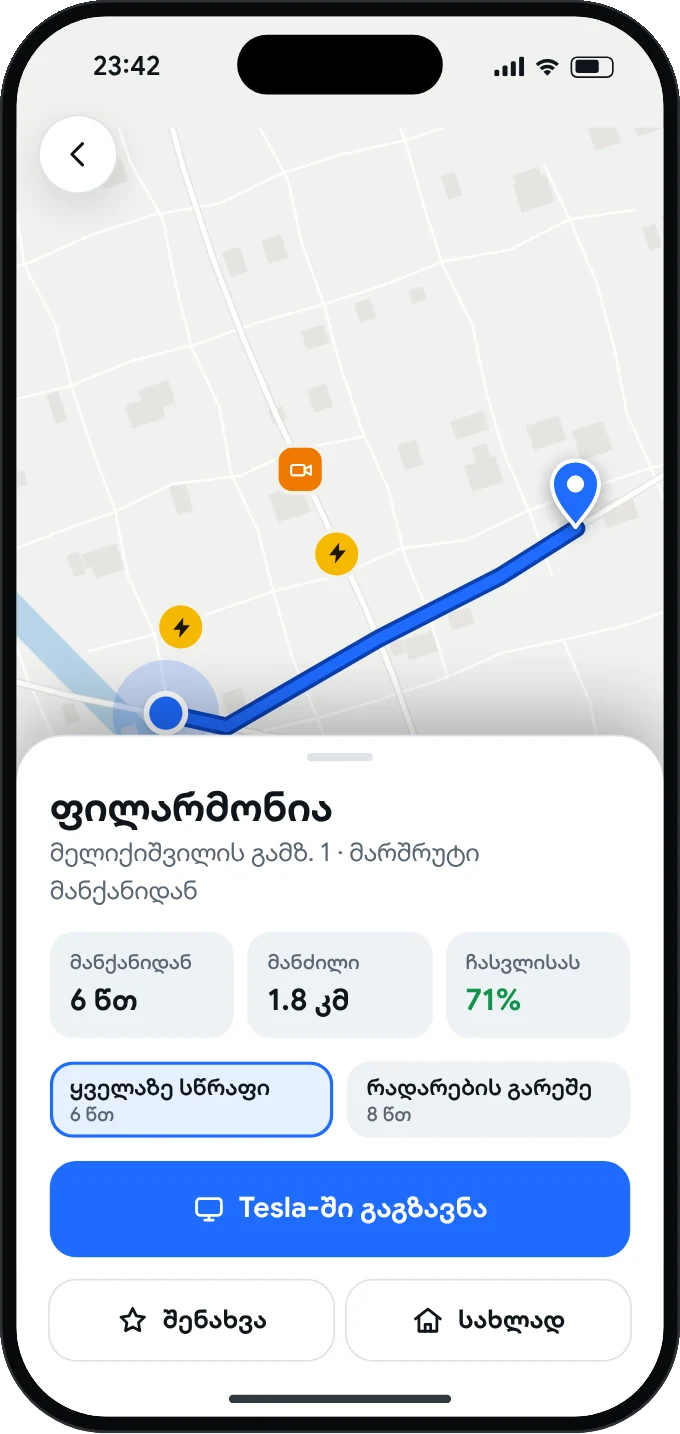
Turns and distance are shown big, with your arrival time and the battery you will have left.
Georgian navigation, chargers, speed cameras, traffic,
engine sound, weather and battery forecasts.
Free beta · first 45 drivers
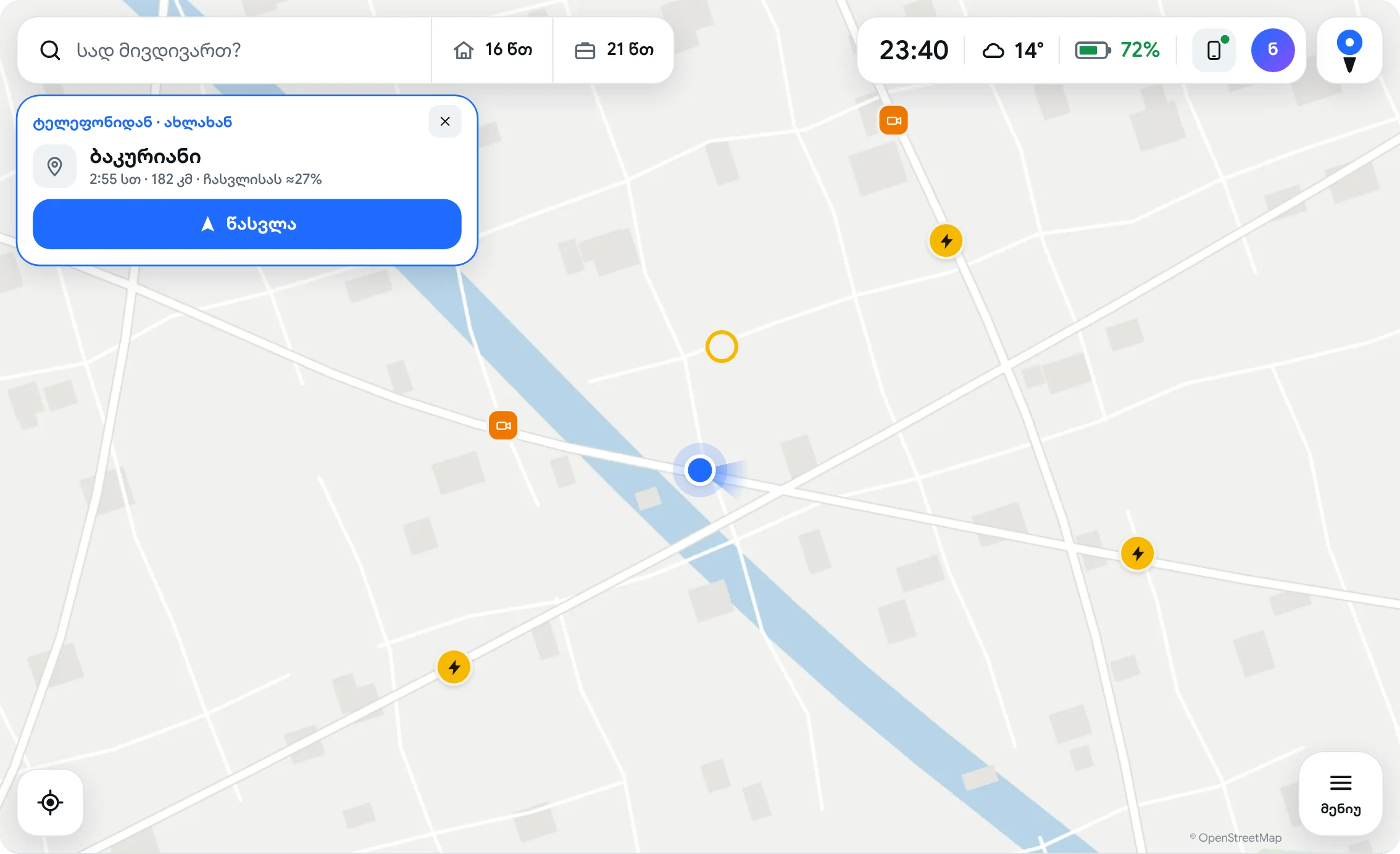
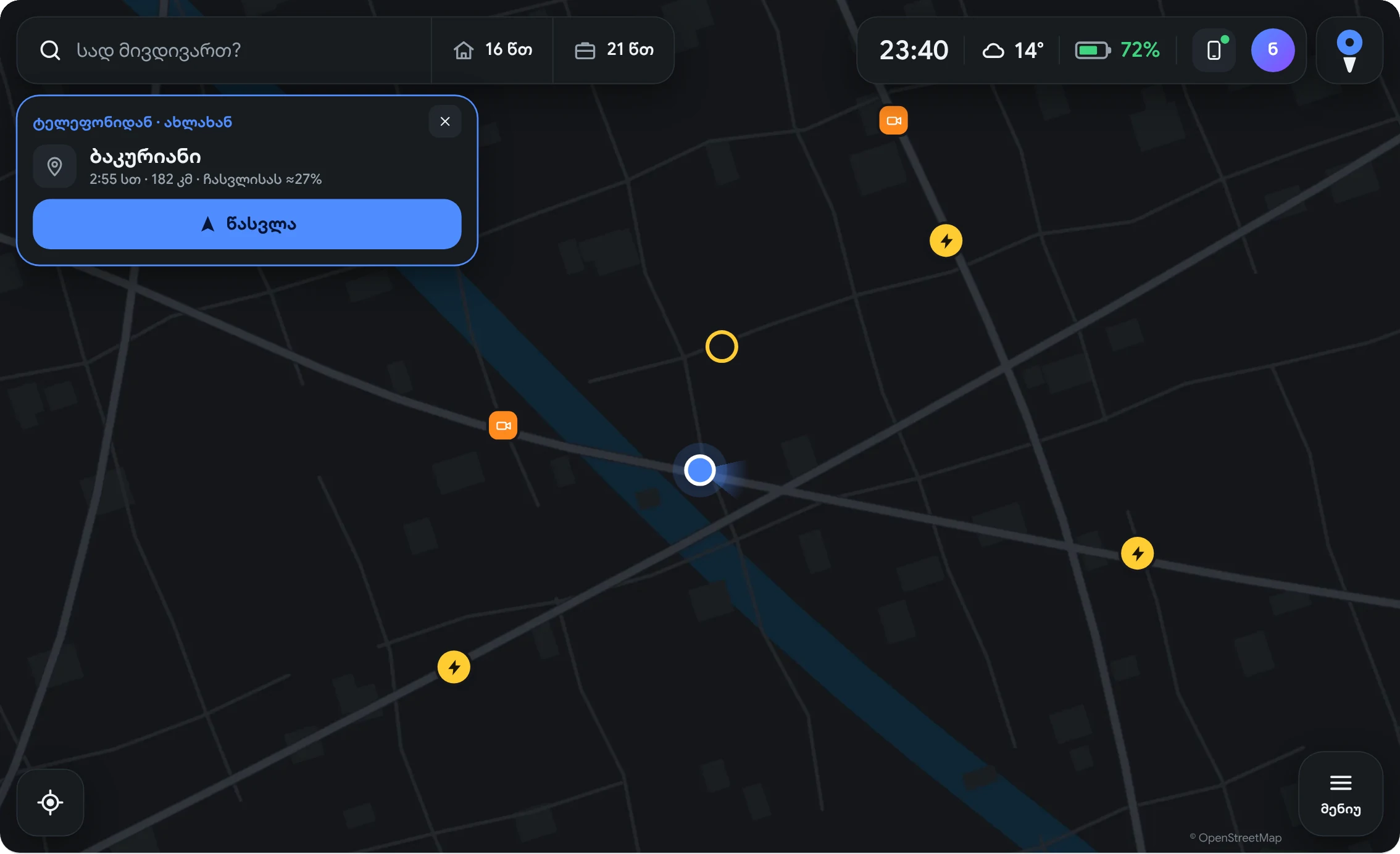
The essentials are big, so your eyes leave the road only for a moment. The rest lives in the menu.
Turns and distance are shown big, with your arrival time and the battery you will have left.
By voice and on a card, with the limit and the meters left to the camera.
The sound follows your speed and the pedal. Switch it on whenever you like.
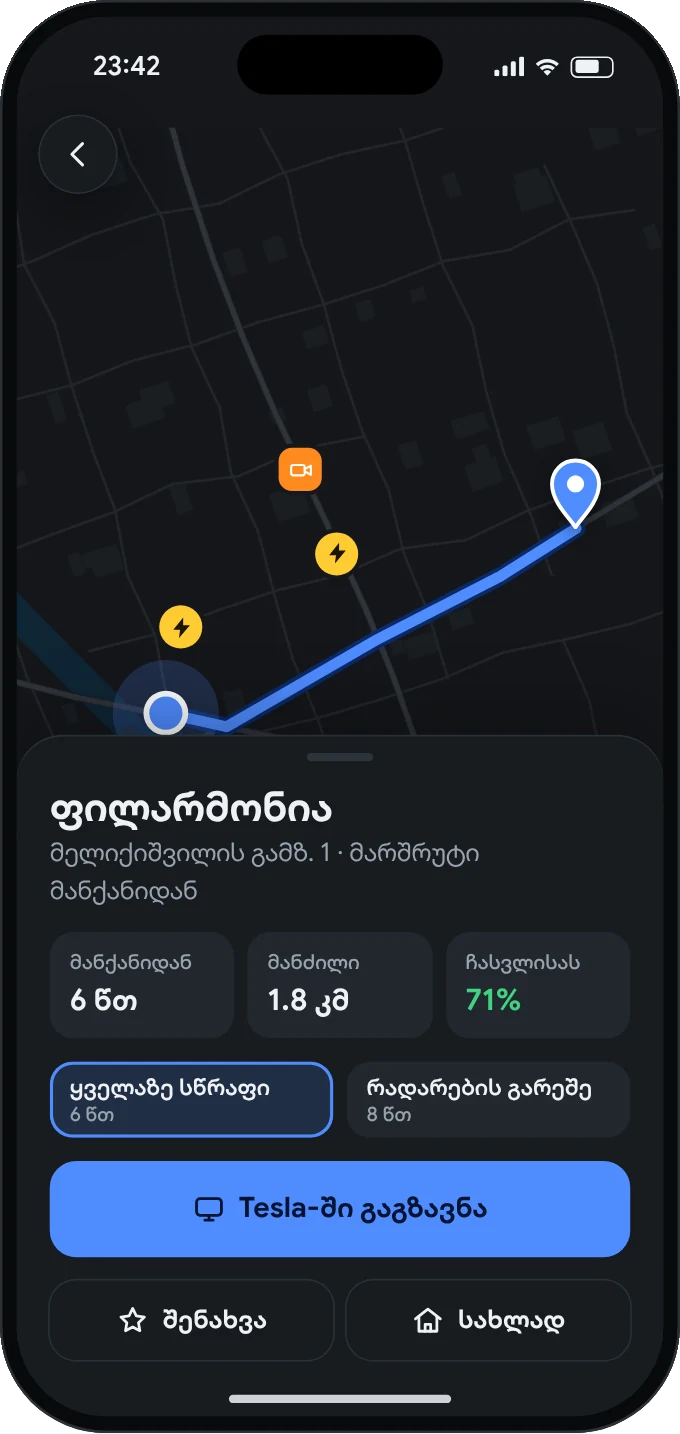
Find the place on your phone and send it. Navigation is ready in the car.
See the battery you will arrive with. If it is not enough, it shows you a charger.
spido.ge is typed into the Tesla only once. After that, the car recognizes you.
In the Tesla browser, only the first time. A QR code appears on the screen.
With the normal camera. spido.ge opens on your phone, no app needed.
A 6-digit code arrives by email. After you sign up for the beta, we'll get in touch.
The first 45 drivers get Spido for free. Sign up and we'll get in touch.
All 45 places are taken. Join the waitlist and we'll email you as soon as a place opens up.
Claim your placeShort answers about the car, the internet and the beta.
Yes, if your car has the browser: Model 3, Model Y and the newer Model S and X.
No. It only needs internet, shared from a SIM card or from your phone.
No. Spido opens in the browser, in the car and on your phone. On the phone you can add it to the home screen like an app.
Yes, but we will tell you the price in advance and never charge you automatically.
We put you on the waiting list and write to you as soon as a place frees up or the beta grows.
The beta is free. Later you request Premium from your account, pay by bank transfer, and it is switched on.
Write to us by email, on WhatsApp or on social media.
[email]